PolyPDF 1.5.5: Zoom Controls and Snapshot Fixes
Set zoom controls for each page layout, pan with Shift, and paste snapshots with the right proportions and saved orientation.
Read guidePolyPDF guides & reference
Guides for PolyPDF 1.6.2: rotated-sheet markups, text boxes, grouped symbols, mirroring, overlays, takeoff, comparison, forms, signatures, and document preparation, illustrated with app captures.
Set zoom controls for each page layout, pan with Shift, and paste snapshots with the right proportions and saved orientation.
Read guideHighlight shapes, separate arc radius and sweep controls, movable area cutouts, estimate scrolling, and a Windows file-opening patch arrive in 1.5.4.
Read guide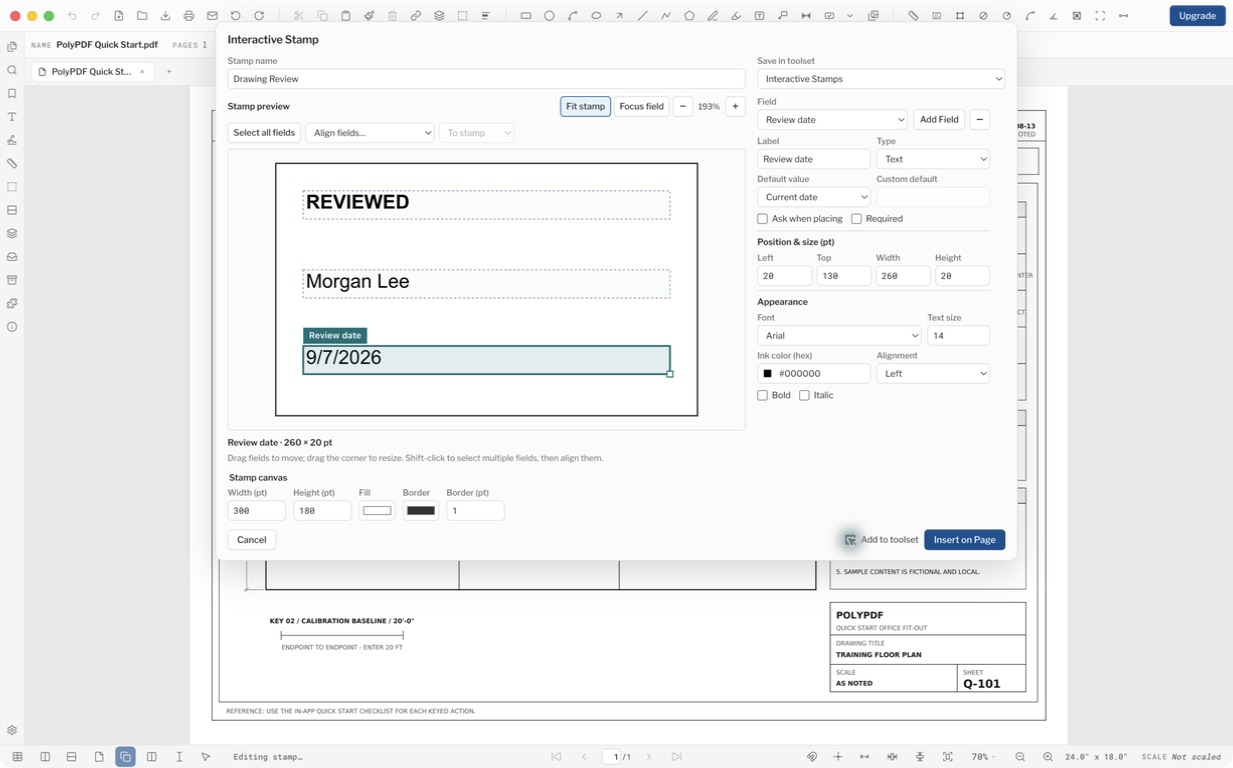
Build interactive stamps, explore expanded symbol libraries, and present PDFs. Version 1.5.1 also improves navigation, saved appearances, and responsiveness.
Read guide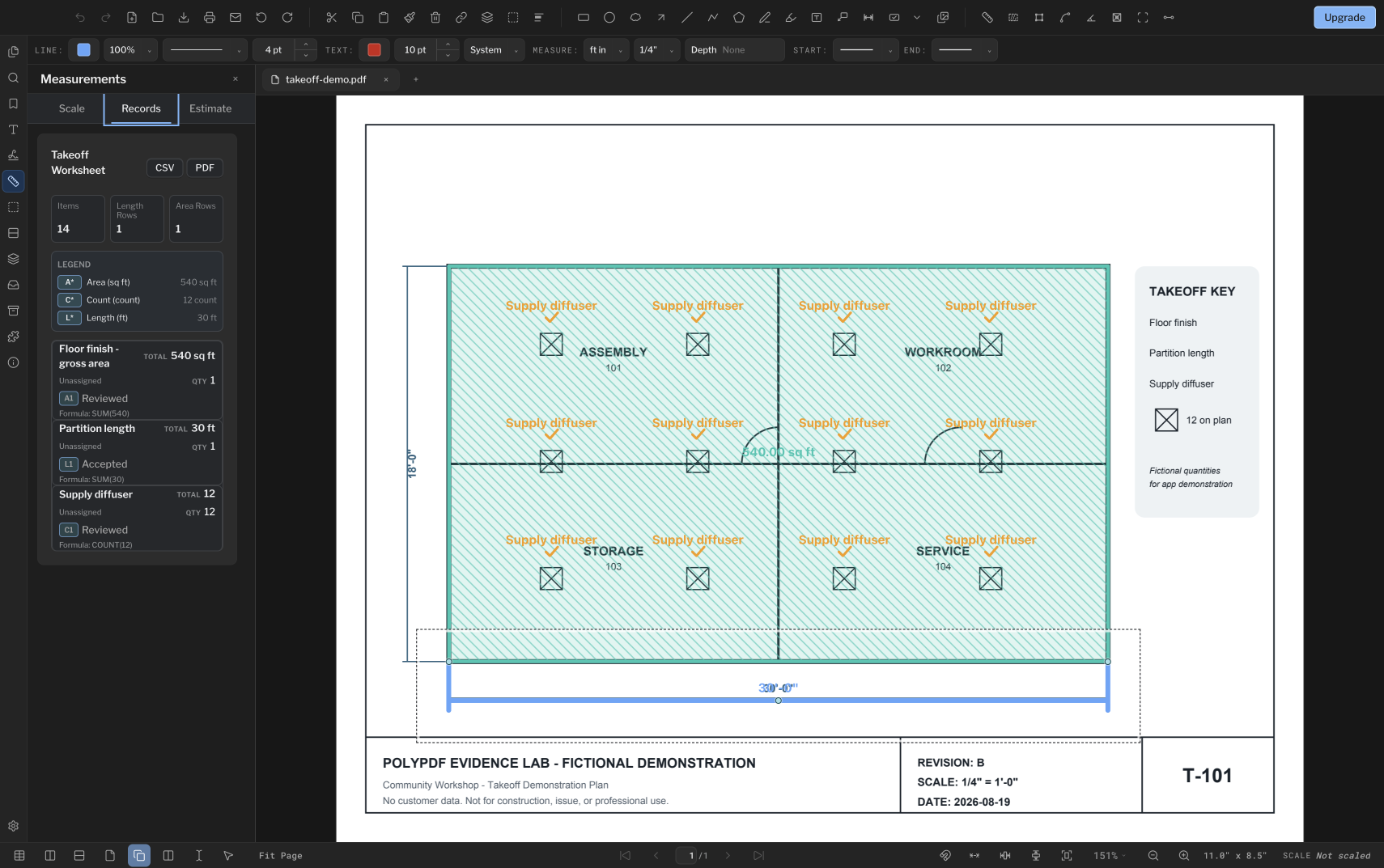
Separate measured quantities from waste and pricing. Follow a practical area, length, and count workflow with downloadable practice files.
Read guideBuild a review stamp from a blank canvas, arrange its fields, ask for details when placing it, and choose whether to save it for reuse.
Read guide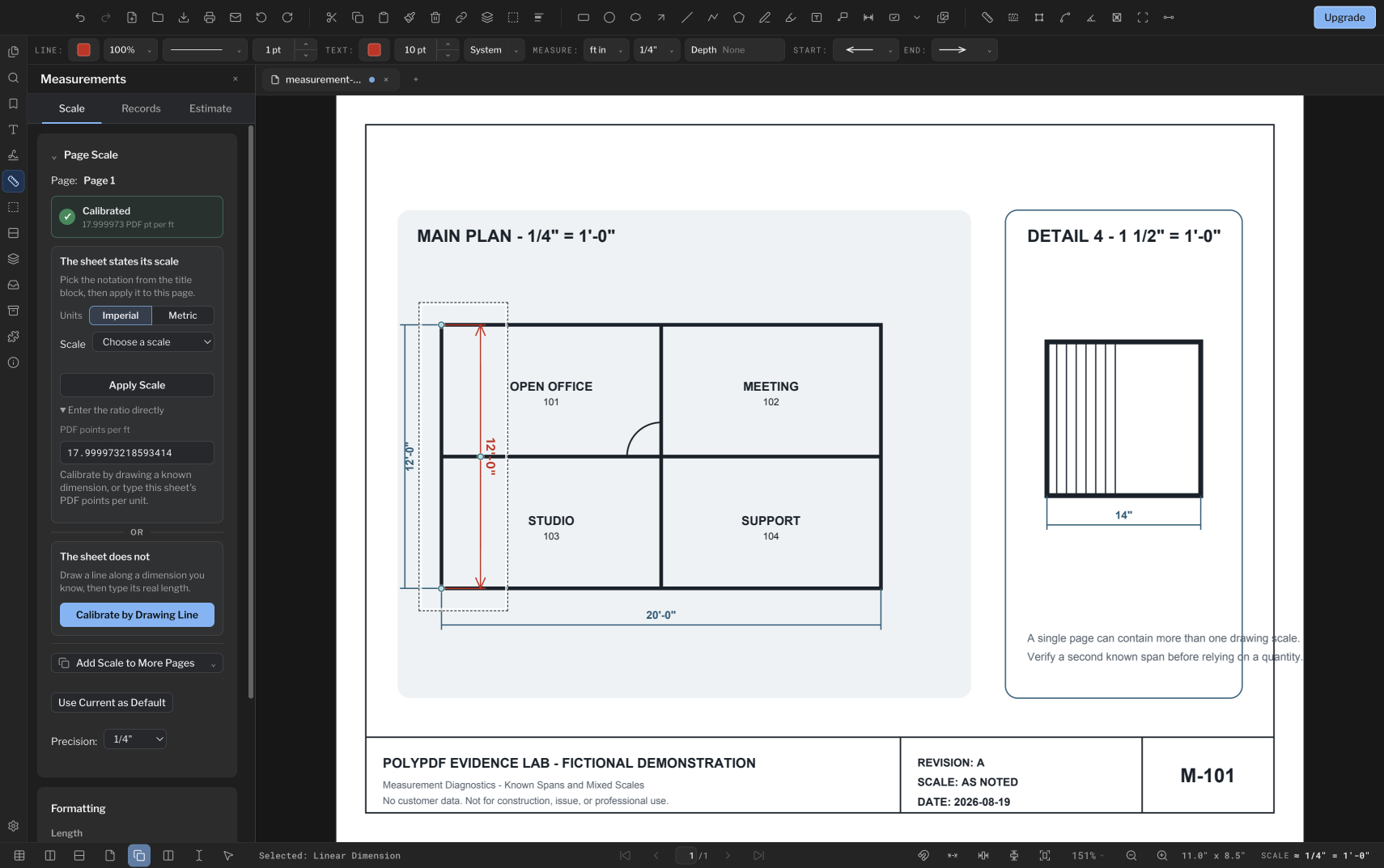
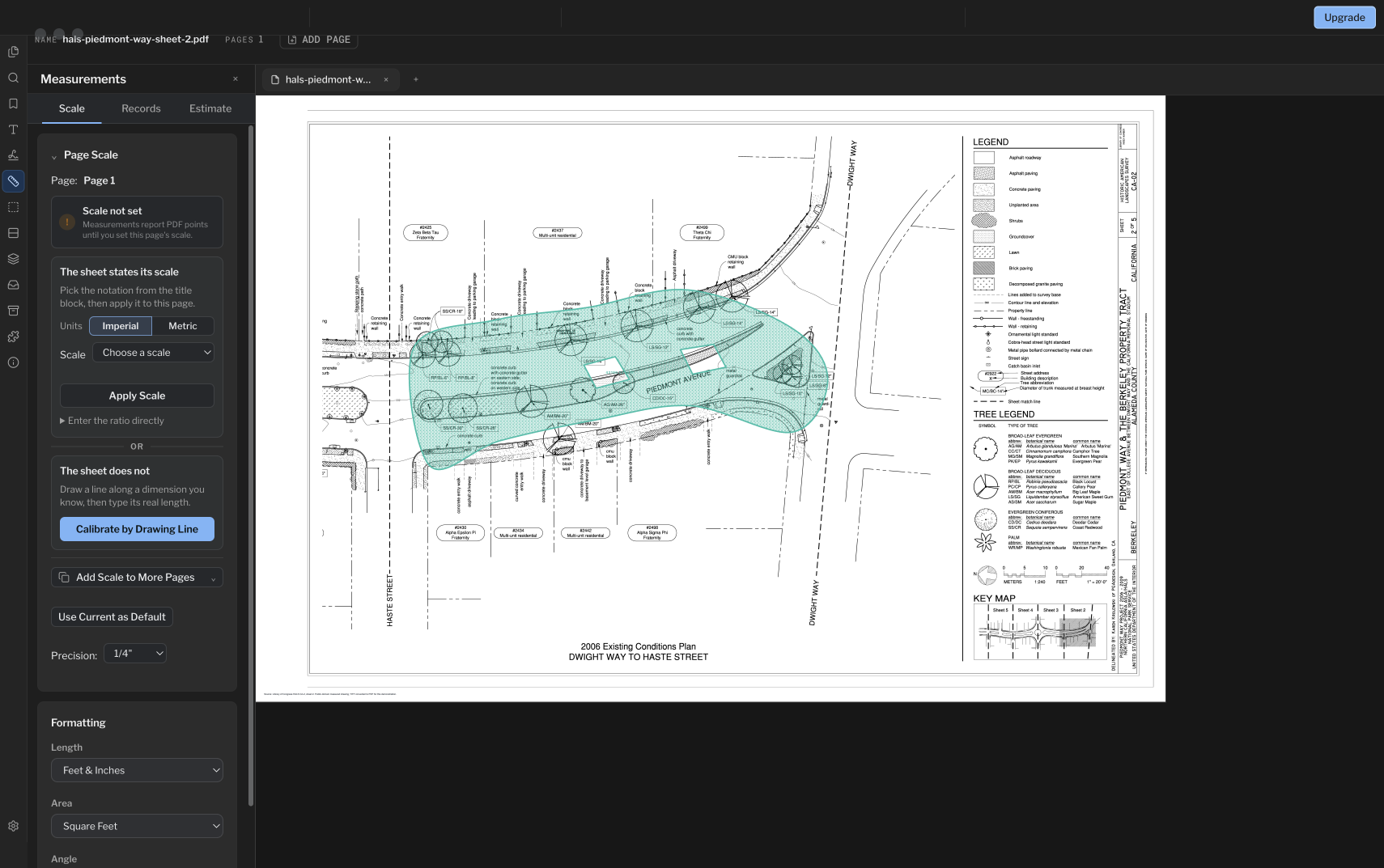
Set an accurate PDF drawing scale from a printed ratio or a known dimension, then check it against a second reference before starting takeoff.
Read guide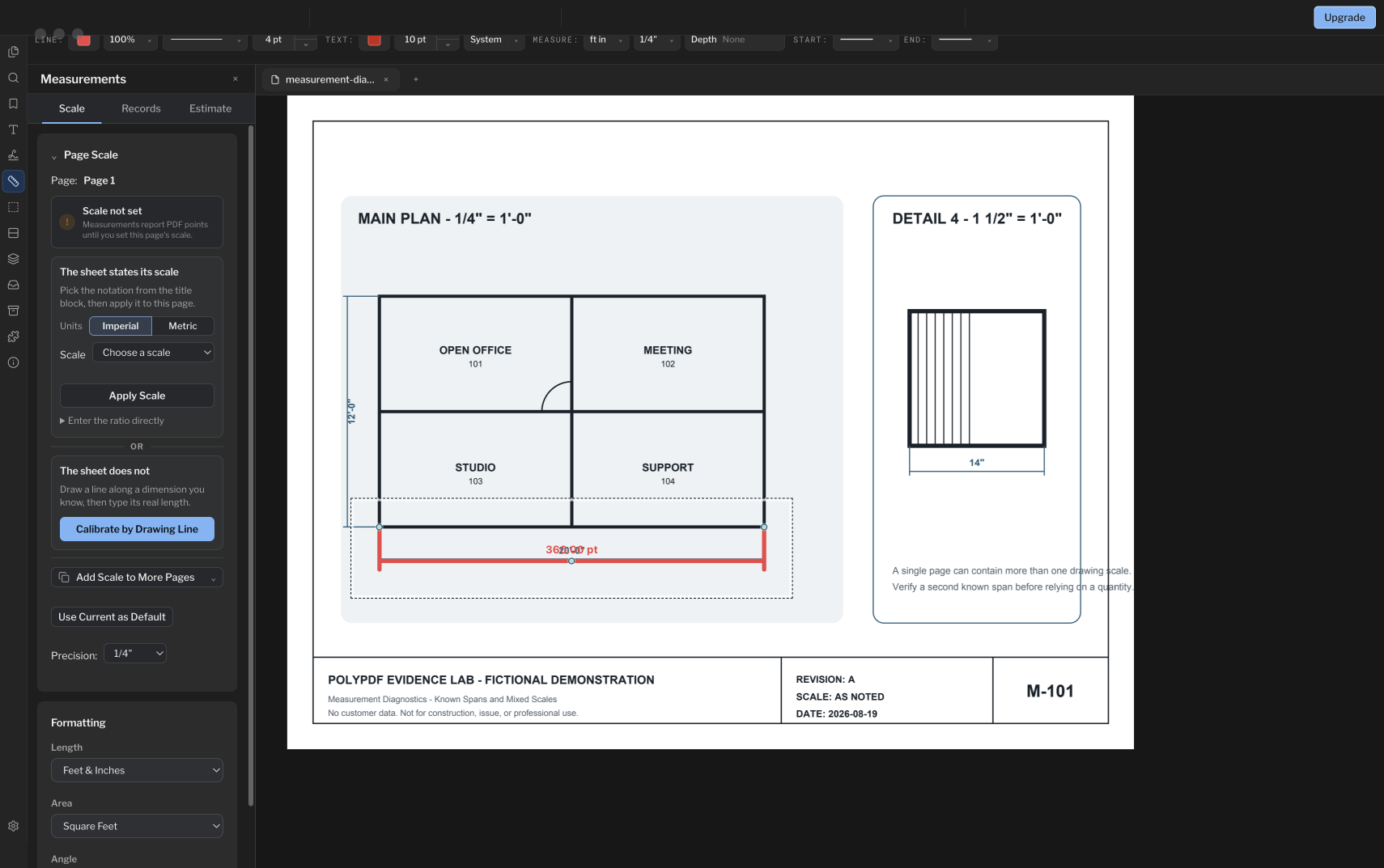
Diagnose bad PDF dimensions by checking page scale, units, endpoints, detail regions, and scan distortion in a deliberate order.
Read guideTrace a net PDF area, subtract multiple interior openings, optionally convert it to volume with depth, and keep hatch styling separate from the math.
Read guideFollow one small plan takeoff from calibration through area, wall lengths, diffuser count, worksheet review, and CSV or PDF export.
Read guide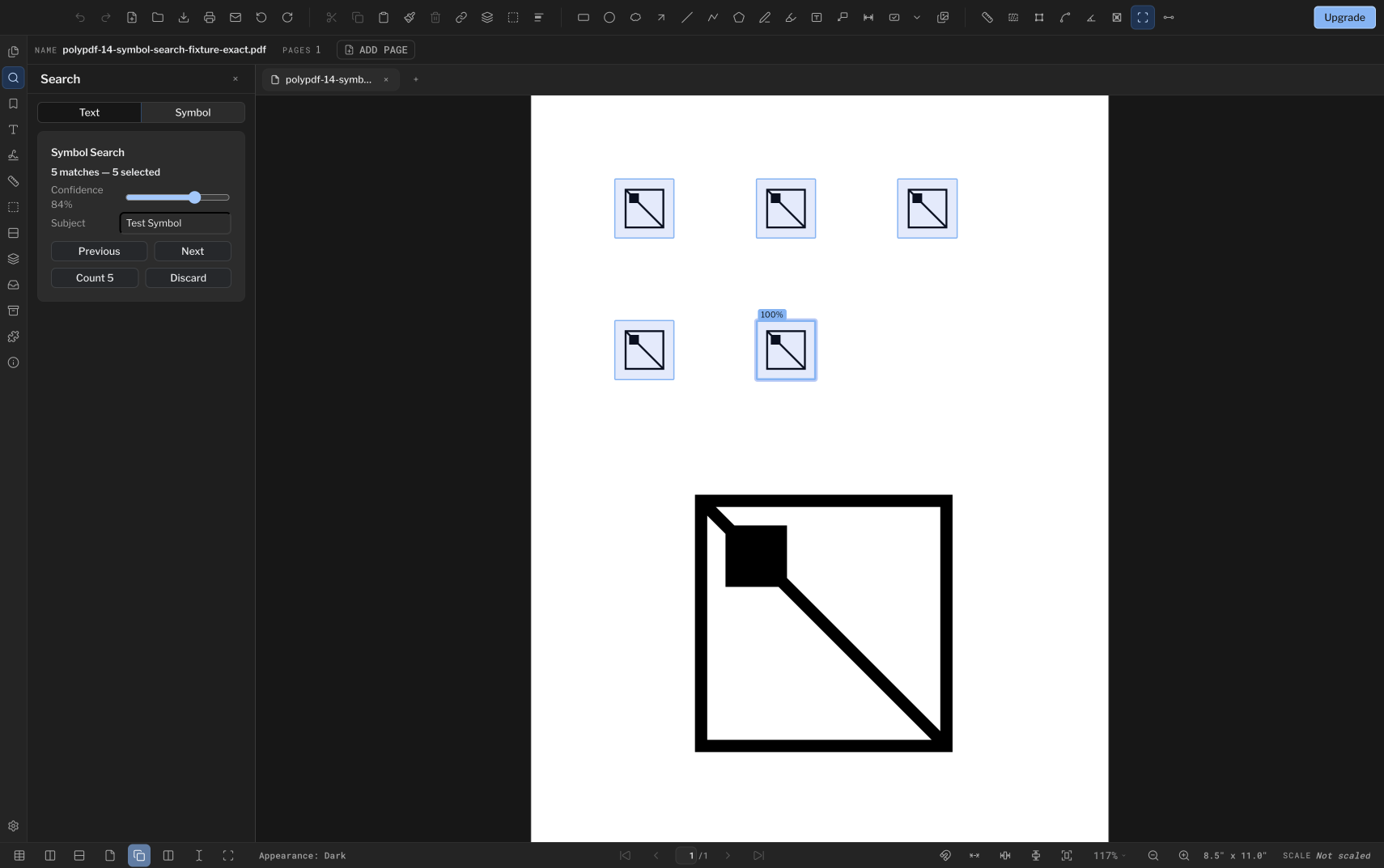
Use PolyPDF Pro Symbol Search to find repeated plan symbols, review every candidate, and commit the accepted matches as one linked Count series.
Read guide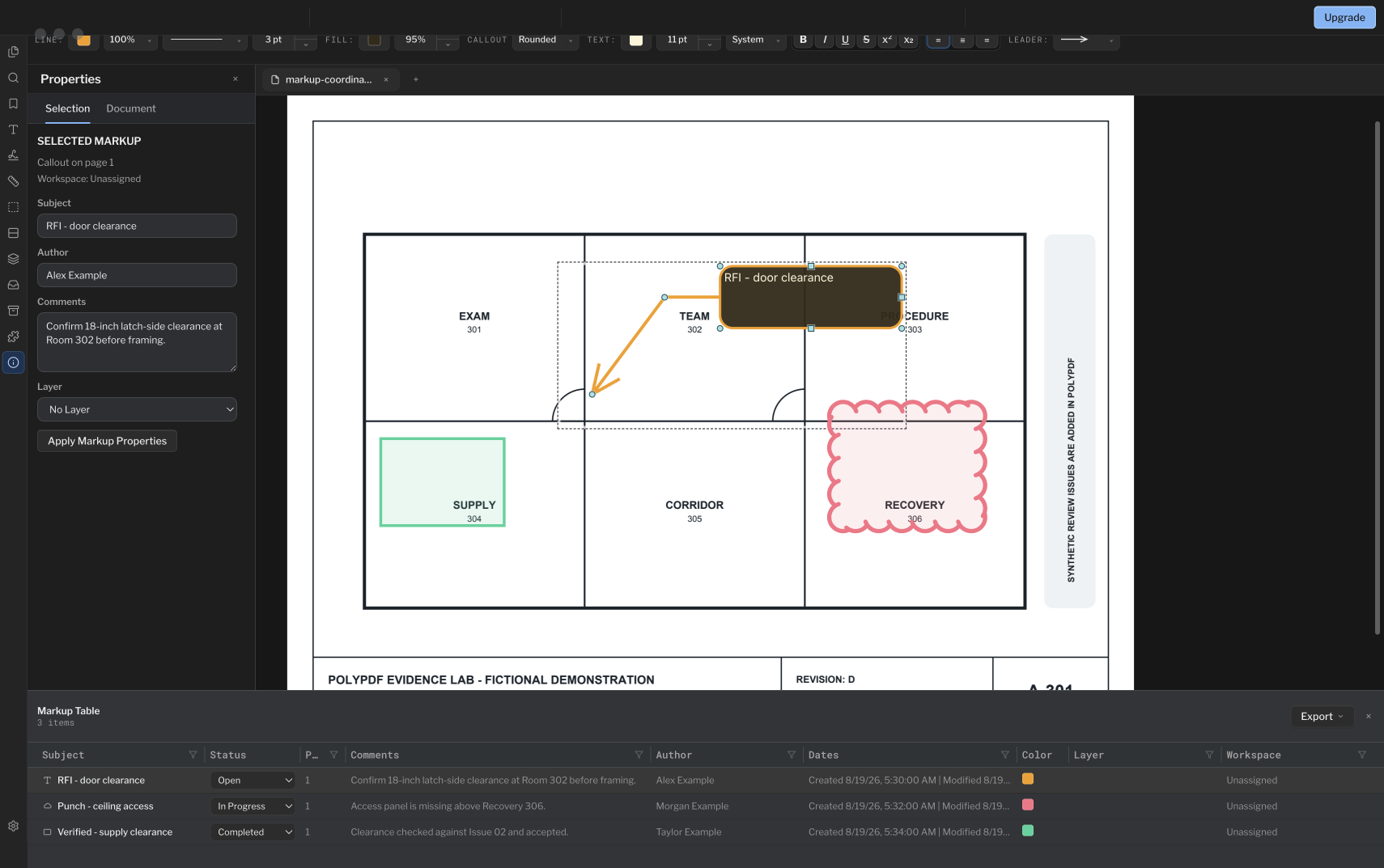
Turn drawing markups into a filterable review register, with clear subjects, comments, statuses, and exports for an existing RFI or punch-list process.
Read guide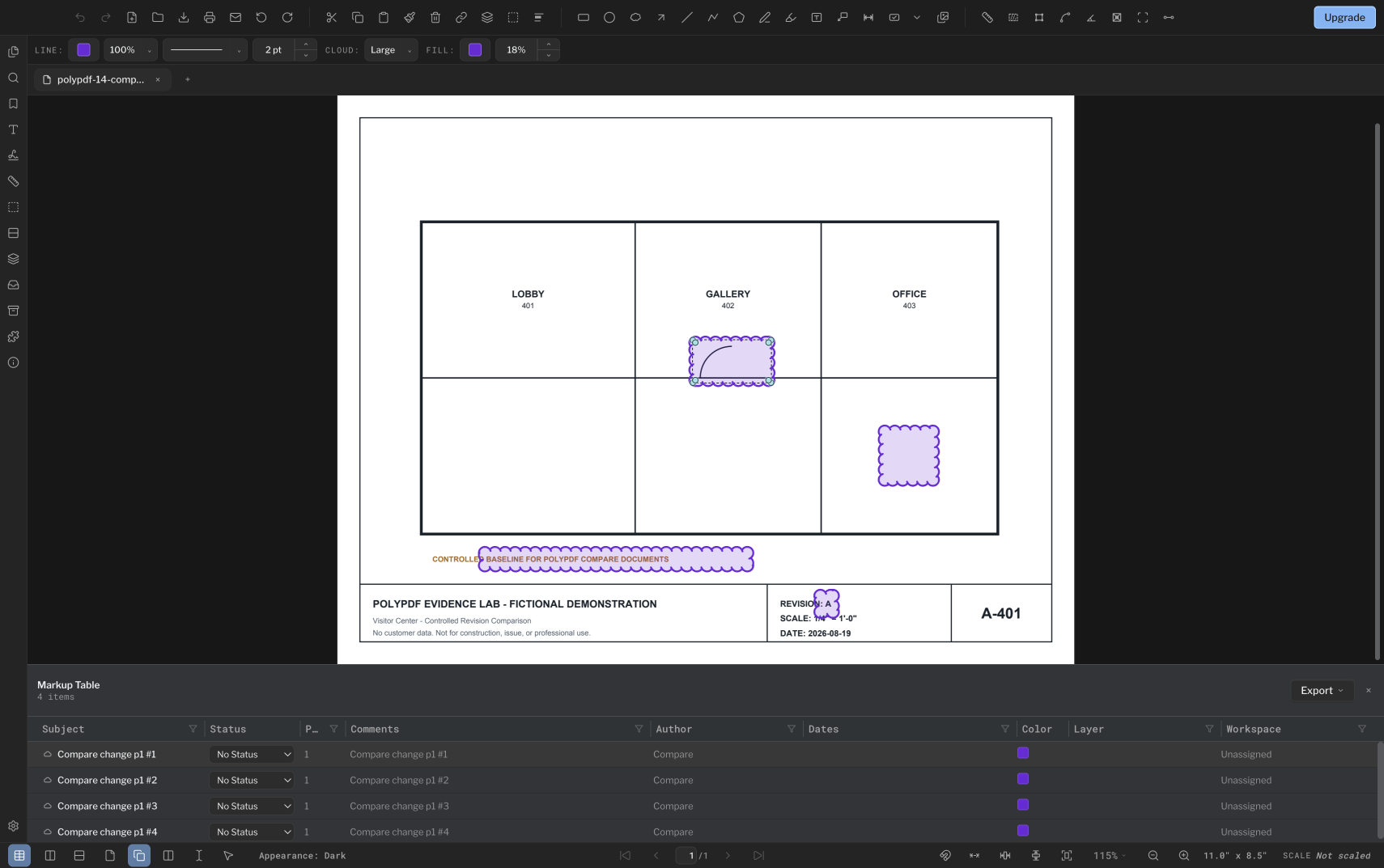
Compare a baseline PDF with a revised file, review the detected regions, and issue a separate comparison record without overwriting the source.
Read guide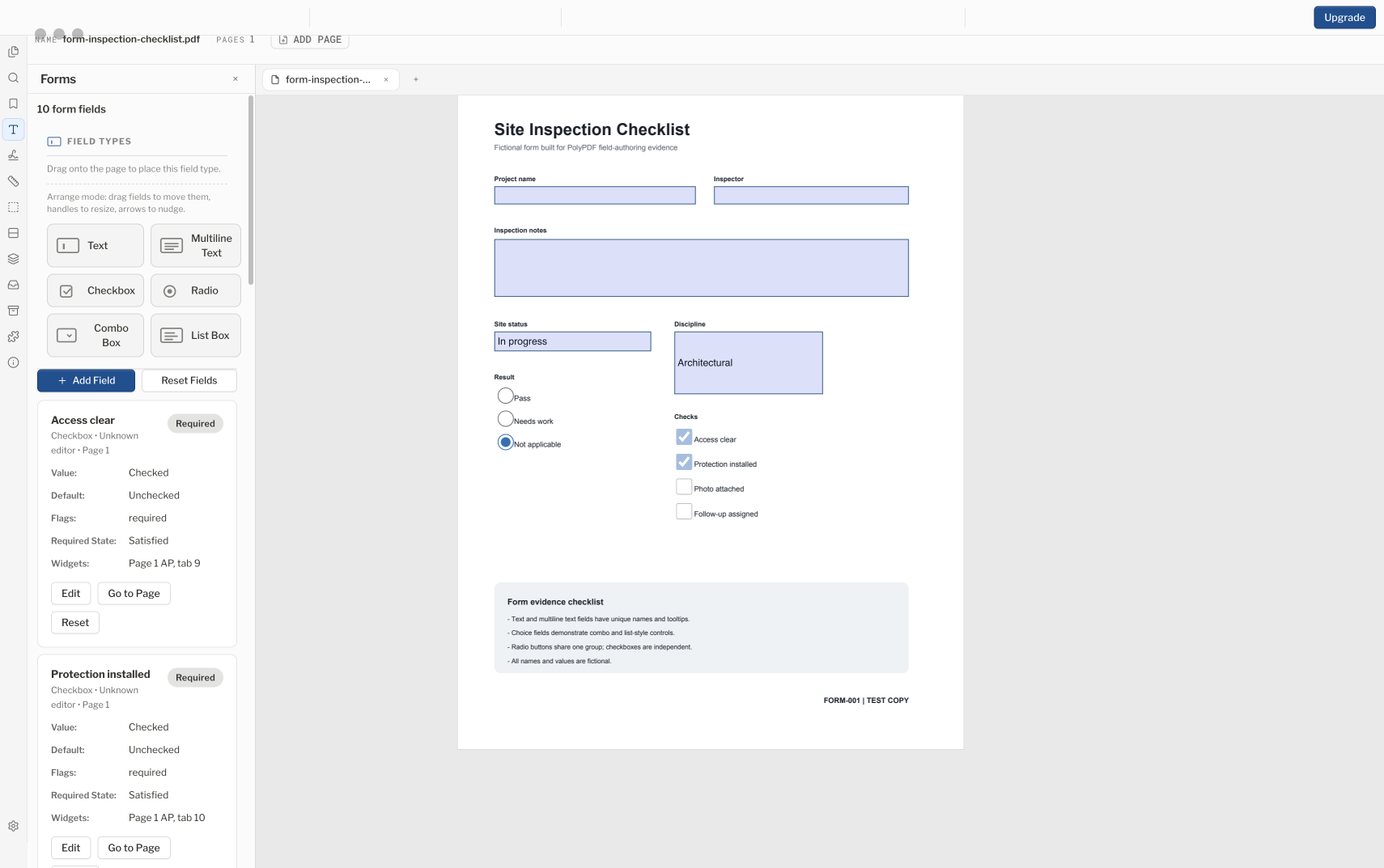
Add standard AcroForm fields to a compatible PDF, set names and tab order, test the saved copy, and recognize signed, secured, and XFA limits.
Read guide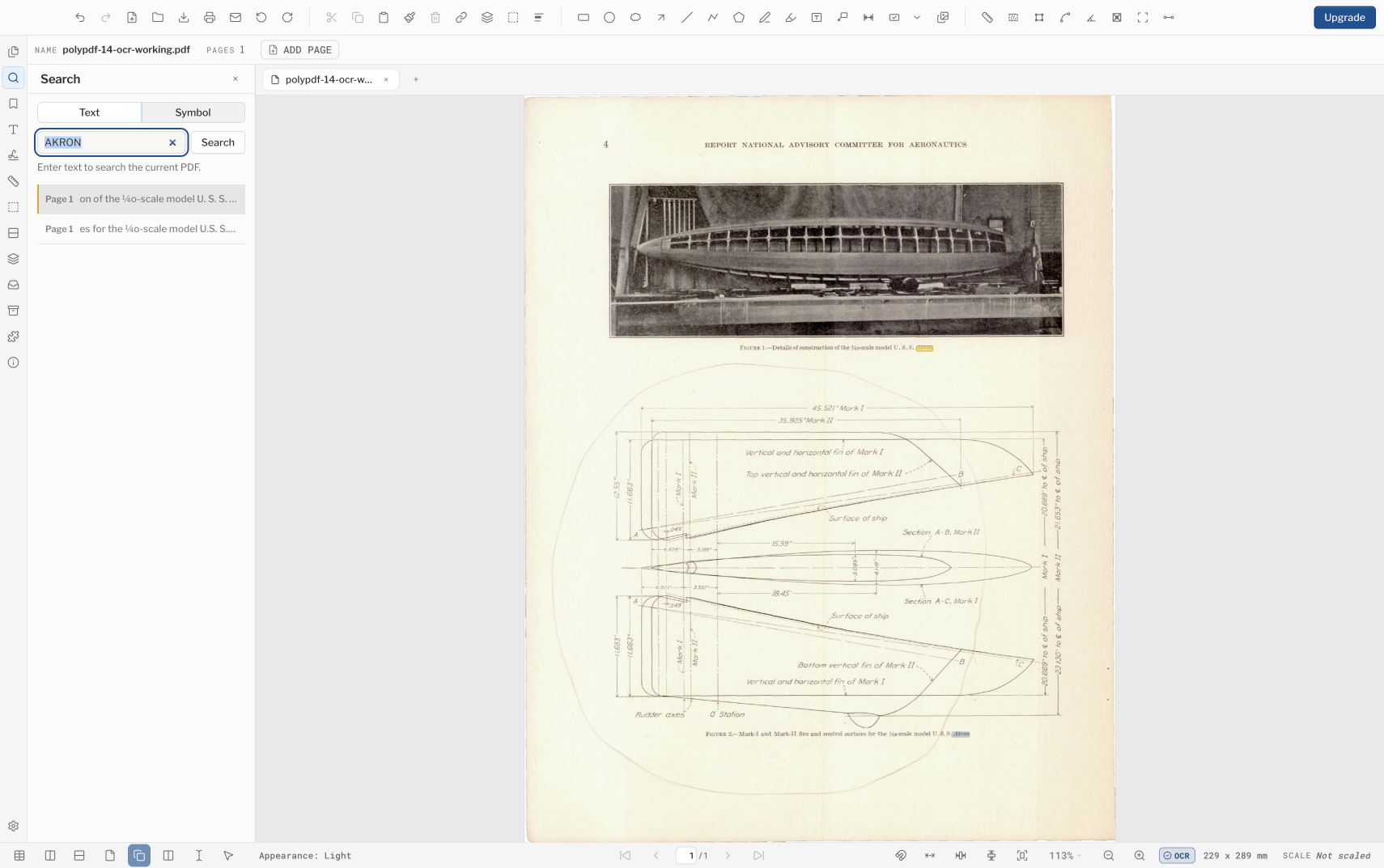
Add a best-effort searchable text layer to scanned PDF drawings, then test search results and verify every value that could affect field or estimating work.
Read guide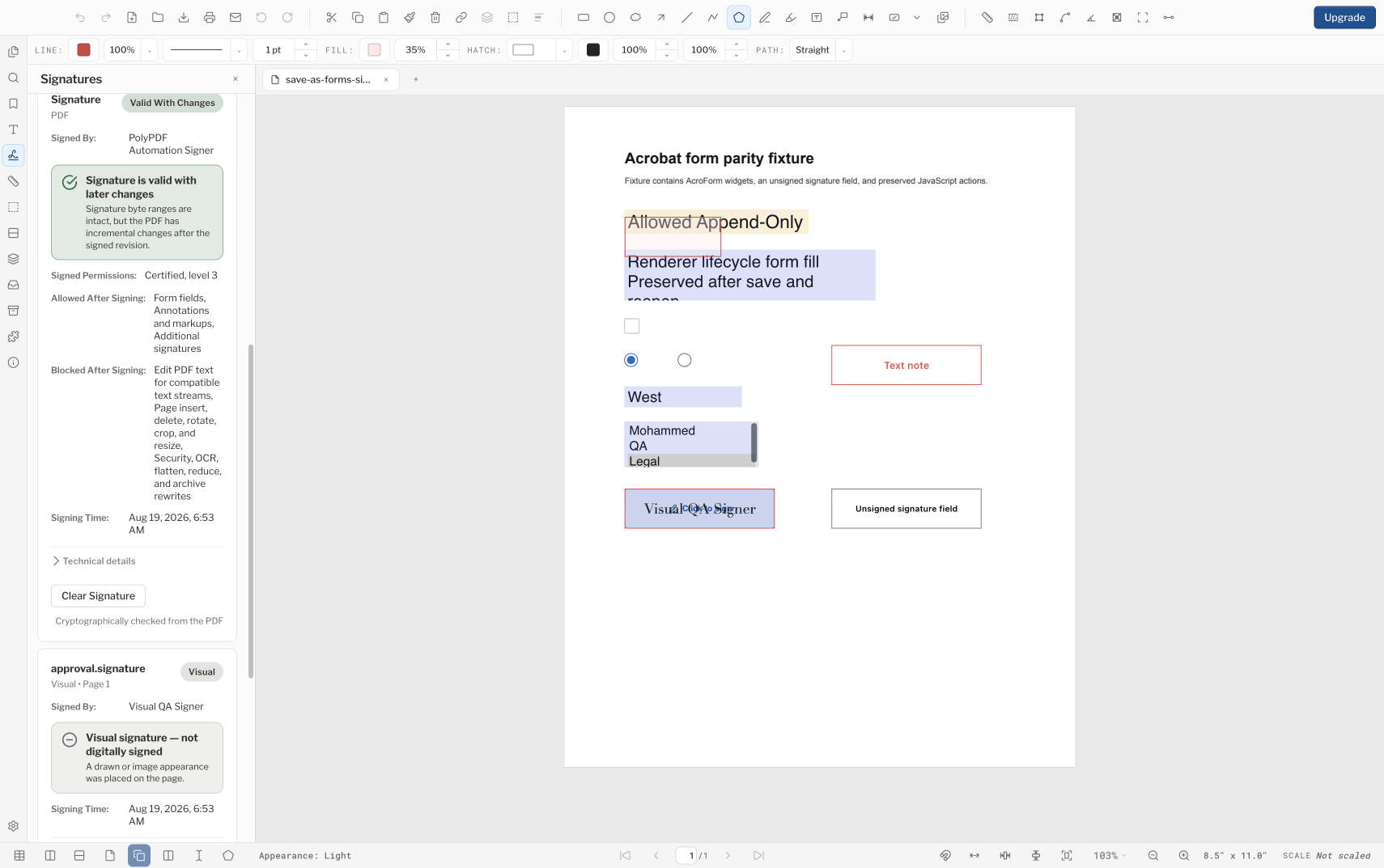
Understand what a certificate-backed PDF signature verifies, what a visual signature mark does not, and why a professional seal is graphic artwork rather than a cryptographic signature.
Read guide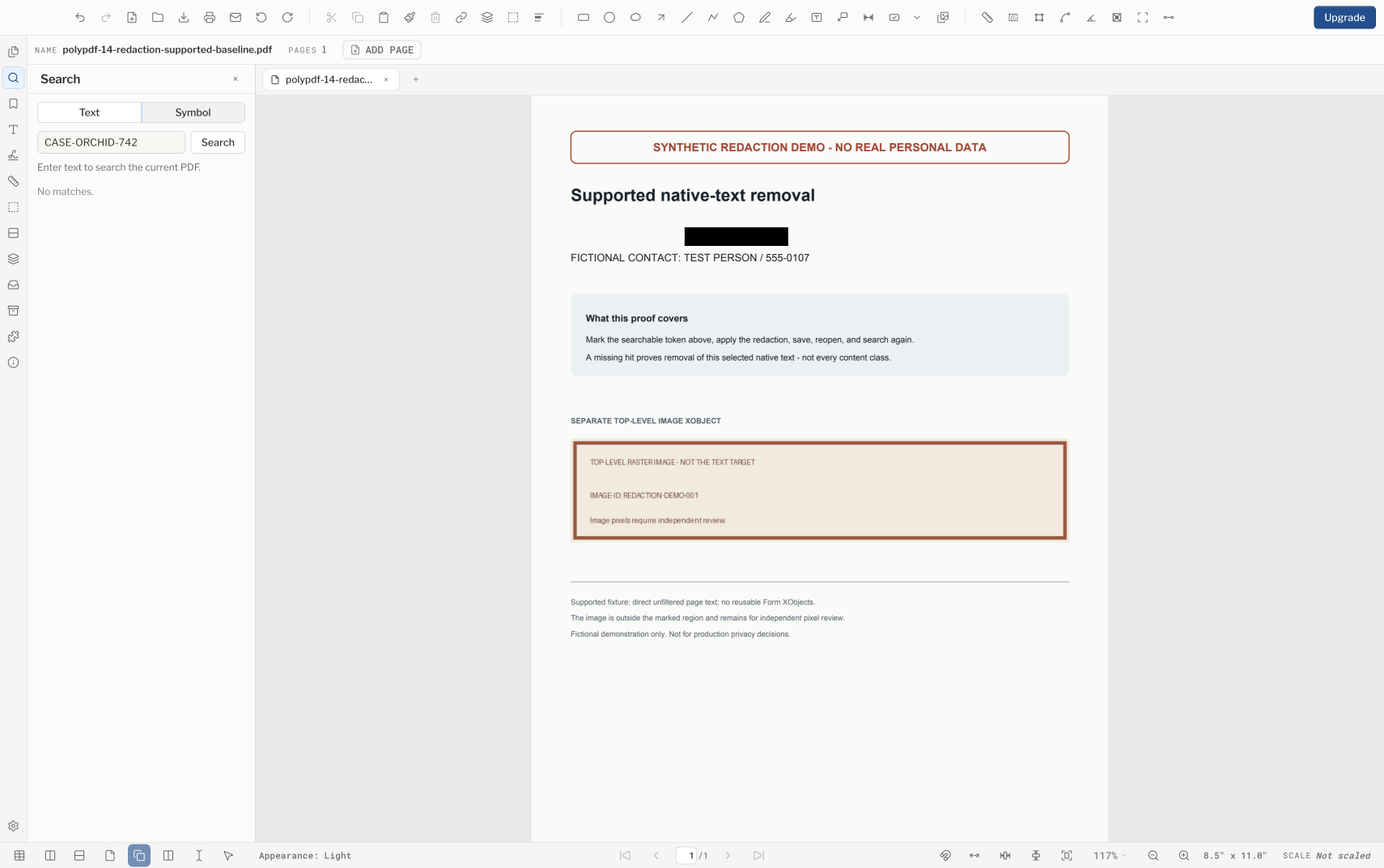
Use PolyPDF redaction for supported searchable text, understand what sanitation can miss, and independently inspect the saved copy before release.
Read guide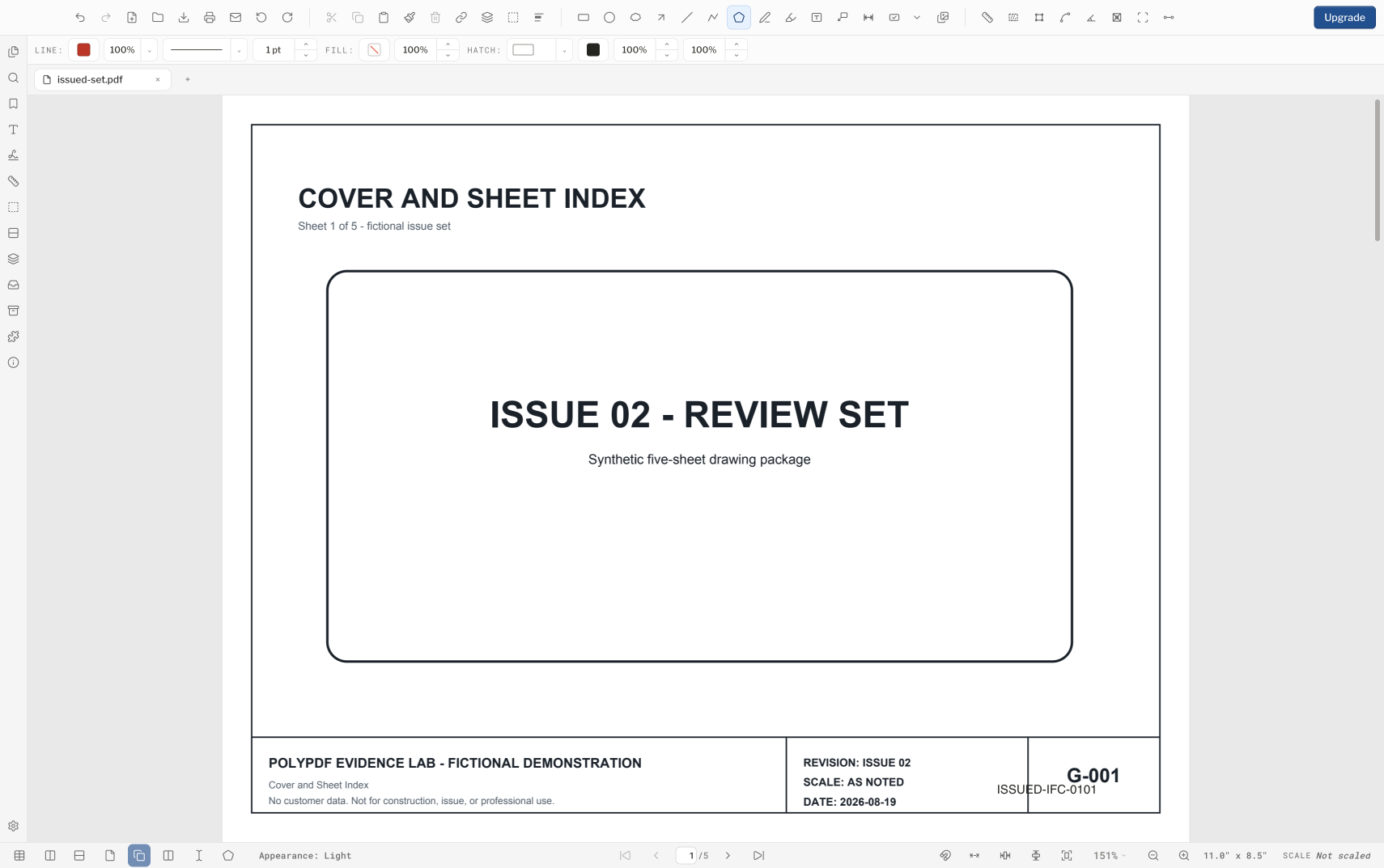
Build a repeatable issue workflow with page labels, visible Bates identifiers, headers and footers, watermarks, preflight, and final-viewer checks.
Read guide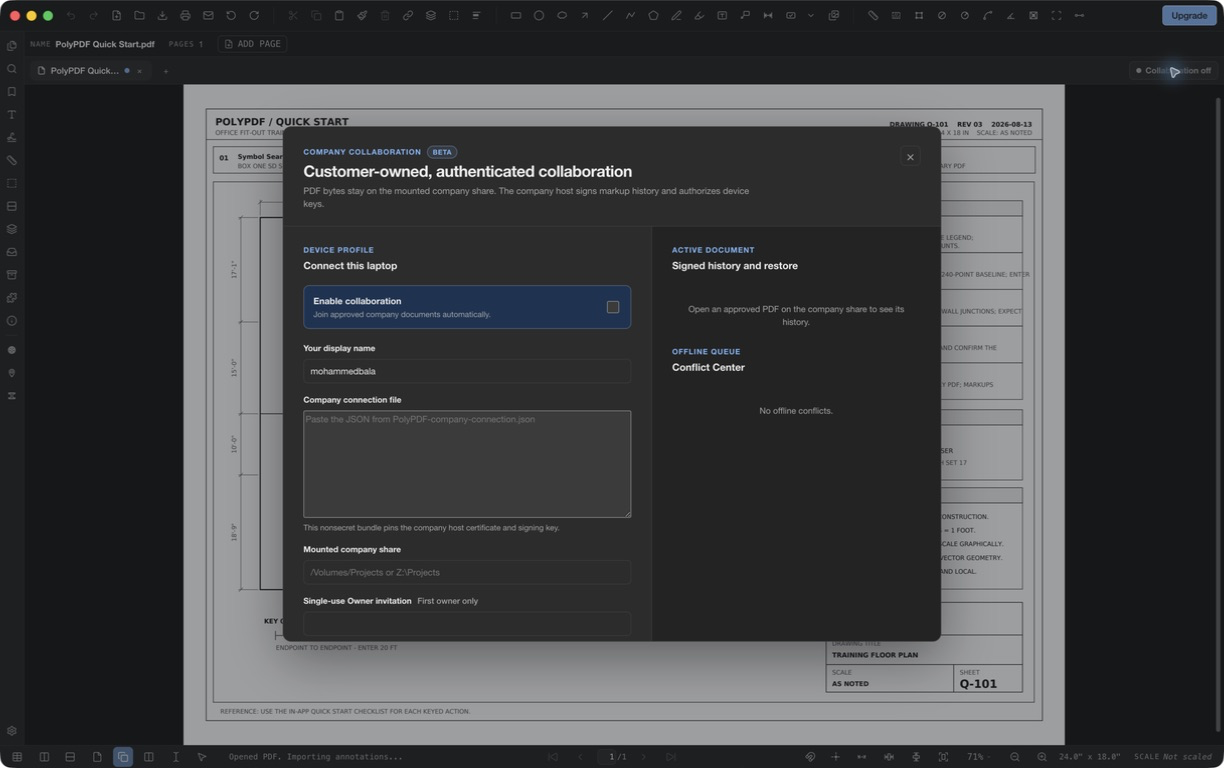
PolyPDF Collaboration keeps the PDF on your company share while approved Mac and Windows users exchange live markups, cursors, offline edits, and signed history through a customer-owned host.
Read guide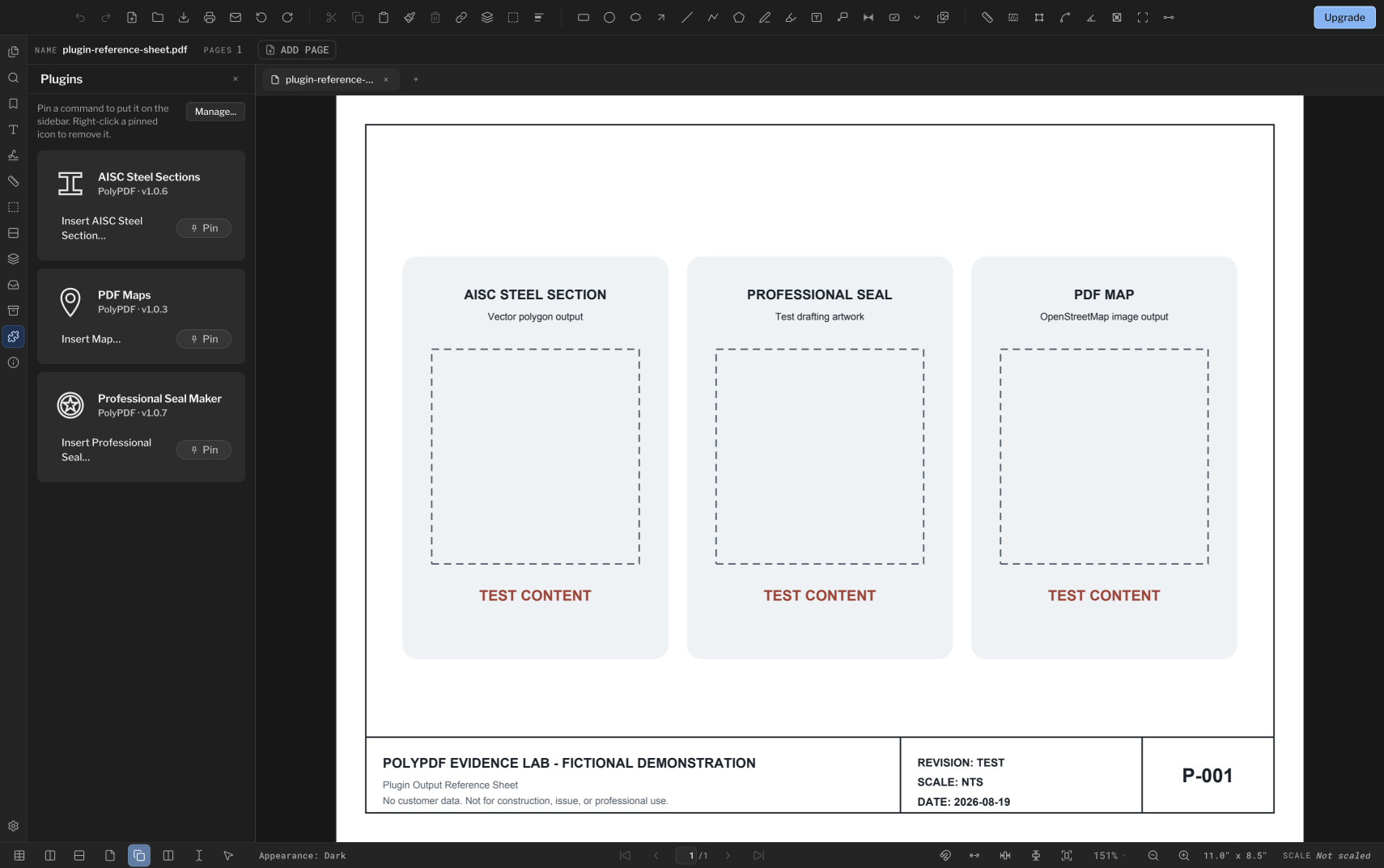
How PolyPDF Pro plugins work: declarative packages, one-list management, sideload consent, host-owned generators, and the three generators that come with the app.
Read guide