PolyPDF 1.5.5: Zoom Controls and Snapshot Fixes
Quick answer
PolyPDF 1.5.5 (build 27) adds customizable wheel and drag zoom, Shift panning, and fixes for snapshot proportions and saved orientation on Mac and Windows.
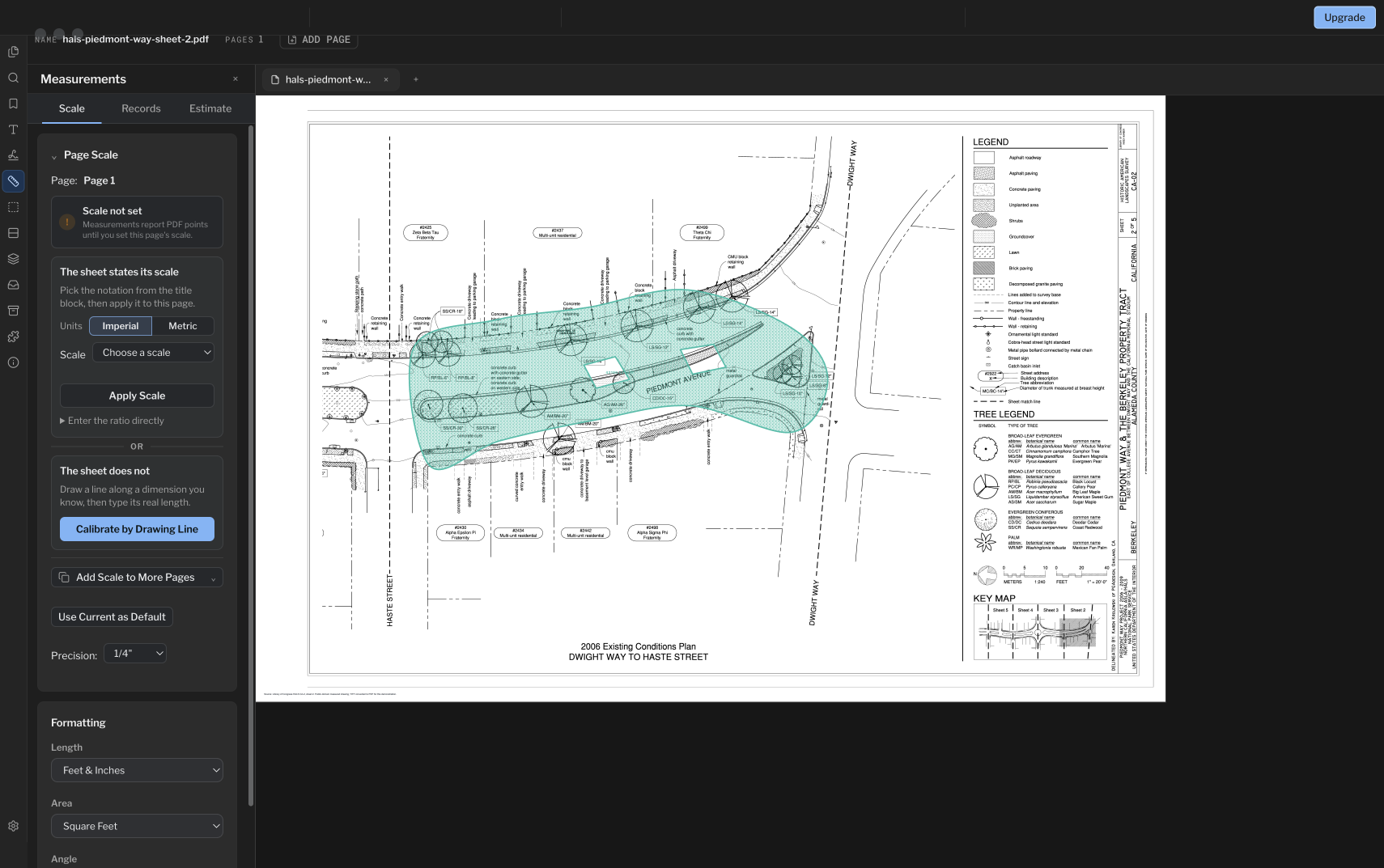
Set zoom controls for each page layout, pan with Shift, and paste snapshots with the right proportions and saved orientation.
Zoom controls for each page layout
Zoom with the mouse wheel in Single page view without holding Command. Multipage views scroll by default. Customize wheel and double-click-drag zoom separately for each layout in Settings > View, or right-click the page-layout buttons in the bottom bar.
Double-click and drag to zoom around the point you choose. When the wheel is set to scroll in Single page view, scrolling past a page edge advances to the next or previous page, with protection against accidental trackpad momentum.
Pan with Shift
Hold Shift and drag with the left mouse button to pan. Hold Shift while scrolling the wheel to pan horizontally.
Snapshot proportions and saved orientation
Snapshots retain their size and proportions when pasted between differently rotated pages. Saved snapshot artwork also preserves its orientation when opened in other PDF viewers.
Get 1.5.5 on Mac or Windows
- Save your work and choose Help > Check for Updates.
- Follow the update prompt. On Windows, downloaded updates install when you quit the app.
- Reopen PolyPDF and check About for version 1.5.5, build 27.
You can also use the current downloads on this site. The Mac app is signed and notarized for macOS 14 or later on Apple silicon and Intel. The Windows installer is Authenticode-signed for Windows 10 or 11, x64.
The update is included with existing PolyPDF 1.x licenses. PolyPDF Pro remains $74.95 USD once for up to three Mac or Windows computers; existing paid licenses retain their purchased rights.
Frequently asked questions
Does the update cost extra?
No. Every public PolyPDF 1.x update is included with a PolyPDF 1.x license. Your existing paid license keeps its purchased rights.
Sources and further reading
Try this workflow on your own drawings
PolyPDF is a free download on Mac and Windows. Open your own PDFs, use the markup tools, and place up to 3 hand-created measurements per document before you decide whether to buy.
Free with no trial timer: markup, review, calibration, 3 hand-created measurements per document, and Revision Package viewing. Symbol Search, plugins, and Revision Package changes or publishing require Pro.